
Best Pickleball Scoring App: How PickleScore Compares to Other Scorekeeping Apps
If you are searching for the best pickleball scoring app, you are probably not looking for more complexity. You are looking for a faster way to keep score, track the serve, and stop hearing “What’s the score?” every few points. That is where the differences between apps start to matter.
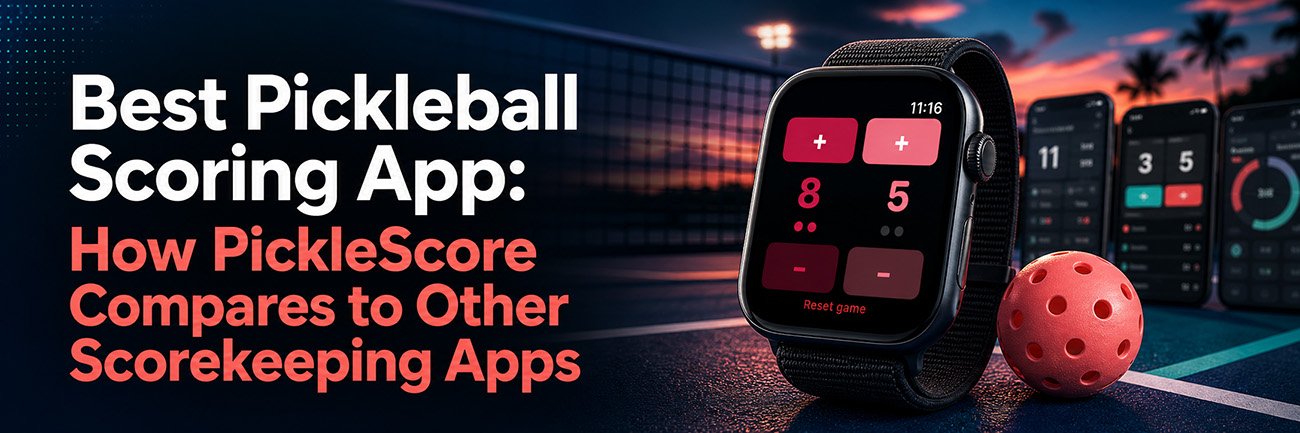
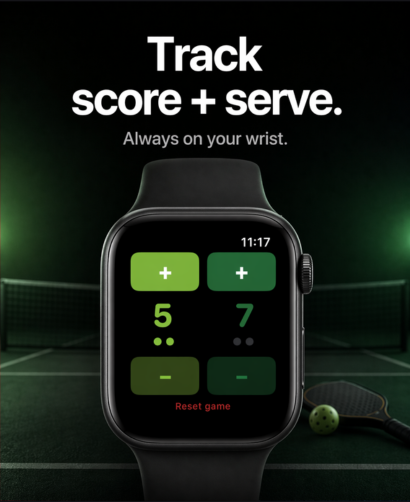
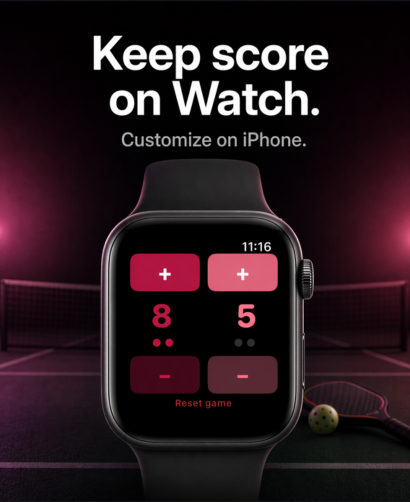
Some scorekeeping apps are built as broad sports scoreboards. Others are feature-heavy pickleball tools with profiles, history, voice announcements, and extra match settings. PickleScore takes a different approach. It is built around one job: simple, fast pickleball scorekeeping on Apple Watch, with serve tracking and a live iPhone scoreboard, without ads, subscriptions, or data collection.
For players who want the cleanest on-court experience, that narrow focus is not a limitation. It is the advantage.
What makes the best pickleball scoring app?
The best pickleball scorekeeping app should do a few things extremely well:
- let you update the score quickly
- make the score easy to see during play
- help you keep track of the serve
- stay out of your way
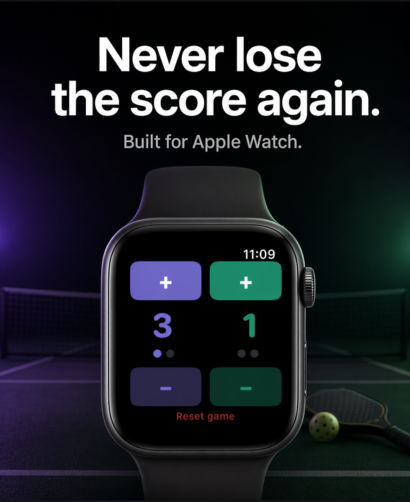
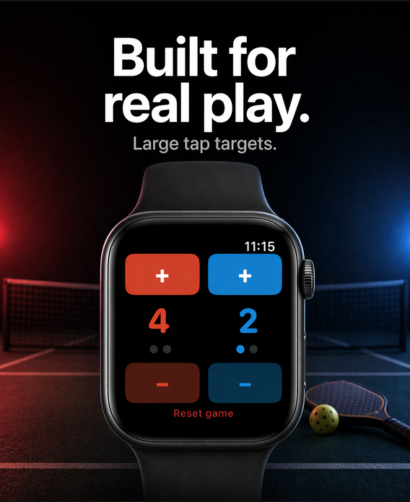
That last point matters most. In real rec games and competitive matches, nobody wants to fight through menus, extra setup, or bloated match management just to record a point. PickleScore’s own positioning is built around that exact problem: “dead-simple,” “tap only,” “no setup,” and “always visible, all match long.”
Why PickleScore stands out
1. PickleScore is built specifically for Apple Watch pickleball scoring
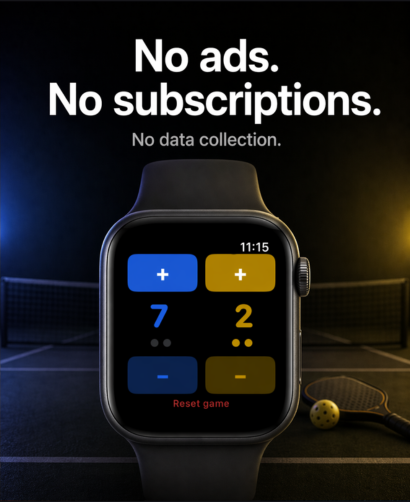
PickleScore is not a general scoreboard app that happens to include pickleball. It is positioned as an Apple Watch pickleball scorekeeper first. Its App Store listing says it keeps pickleball score and serve on Apple Watch, includes serve tracking, supports a live iPhone scoreboard, and is a one-time purchase with no ads, no subscriptions, and no data collection.
The PickleScore site reinforces the same value proposition: easy on-court use, tap-only scoring, always-on visibility, and no ads ever.
2. PickleScore is optimized for simple on-court use
This is where product philosophy matters. Side Out, one of the strongest direct competitors, offers swipe-based Apple Watch scoring, multiple scoring formats, player profiles, match history, Bluetooth score sharing, voice announcements, iCloud sync, and HealthKit workout logging.
That is a strong feature list. But it also means the app is solving a broader problem. PickleScore is more opinionated. It is designed around quick score entry, visible serve tracking, and staying accessible during play, including support for returning quickly from Apple Workouts and background-session handling in recent updates.
For many players, especially in live games, simpler wins.
3. PickleScore keeps its business model clean
Pricing and business model matter more than many users think. PickleScore is listed at $0.99 and described as a one-time purchase with no ads and no subscriptions. The site also states the price increases to $1.99 on May 1, 2026.
By comparison, Scoreboard: Keep 2 Teams Score is listed as free with in-app purchases, and Apple marks it as containing advertising. Its App Store page shows subscription and paid upgrade options, including monthly and yearly pricing plus an ad-removal purchase.
Pickleball Scoreboard: Track says “No account, no ads,” but Apple also shows in-app purchases including weekly, monthly, yearly, and lifetime options.
For users who want a straightforward buy-once app without recurring cost or monetization clutter, PickleScore has a cleaner proposition.
PickleScore vs. Side Out
Side Out is a real pickleball-specific competitor and likely the closest comparison in this group. Its App Store listing highlights Apple Watch independence, automatic serving order tracking, undo/redo, multiple scoring formats, player profiles, match history, iCloud sync, Bluetooth score sharing, and voice announcements.
That makes Side Out a good fit for players who want more layers: stats, broader match tooling, and a more feature-rich environment. PickleScore is the better fit for players who want the opposite: fewer moving parts, faster score changes, Apple Watch-first use, and less friction between rallies. Its site explicitly frames the product against swipe gestures, complex setup, ads, and upsells.
In other words, Side Out is broader. PickleScore is sharper.
PickleScore vs. Scoreboard: Keep 2 Teams Score
This is less of a direct pickleball comparison and more of a “generic scoreboard vs. purpose-built pickleball tool” comparison. Scoreboard: Keep 2 Teams Score supports many sports and activities, with custom names, profile images, theme settings, Siri Shortcuts, Apple Watch control, and flexible team scoring.
That may work well for users who want one scoreboard for everything. But the tradeoff is that it is not built specifically around pickleball flow, serve tracking emphasis, or the Apple Watch pickleball use case. PickleScore is. Its messaging stays tightly focused on pickleball score and serve tracking during real play.
If you want a multi-sport scoreboard, a generic app may be enough. If you want the best pickleball scoring app for Apple Watch, PickleScore makes the more targeted case.
PickleScore vs. Pickleball Scoreboard: Track
Pickleball Scoreboard: Track is another pickleball-specific option with iPhone and Apple Watch support. Its App Store page highlights tap-to-score input, match formats, points-to-win options, undo, pause/resume, and match history. It also says the app works across iPhone and Apple Watch and runs on-device with no account required.
That makes it a more direct comparison than a generic sports scoreboard. The key differences are product emphasis and pricing model. Apple lists Pickleball Scoreboard: Track as free with in-app purchases, including weekly, monthly, yearly, and lifetime options.
PickleScore positions itself more narrowly around simple, visible, wrist-based score and serve tracking, plus a live iPhone scoreboard, with a one-time purchase and no ads, subscriptions, or data collection.
For users who want more match-format flexibility, Pickleball Scoreboard: Track may appeal. For users who want the cleanest score-and-serve workflow on Apple Watch, PickleScore has the stronger angle.
The biggest difference is friction
Most comparison posts focus too much on feature count. But scorekeeping apps are not won on feature count alone. They are won in the middle of a live game.
When the point ends, how fast can you update the score? How easy is it to confirm the serve? How quickly can you get back to the score from another watch screen or workout? Can you trust what you are seeing at a glance? PickleScore’s recent changelog points directly at those court-use improvements, including serve tracking, quick re-entry from workouts, broader device compatibility, and refined in-app guidance.
That is why PickleScore feels different in practice. It is not trying to become the most feature-dense pickleball platform. It is trying to become the easiest scorekeeping tool to actually use.
Who should use PickleScore?
PickleScore is the best fit for players who want:
- an Apple Watch-first pickleball scorekeeper
- tap-only score updates
- visible serve tracking
- a live iPhone scoreboard
- no ads
- no subscriptions
- no data collection
- a simple one-time purchase
Those are not assumptions. They are the current product claims across PickleScore’s site, App Store listing, and changelog.
Final verdict: is PickleScore the best pickleball scoring app?
For players who want the simplest, fastest, most Apple Watch-focused pickleball scorekeeping experience, PickleScore has the clearest value proposition in this comparison set. It does not try to win by adding every possible feature. It wins by reducing friction and focusing on the core in-game job: keeping score and tracking the serve without breaking your rhythm.
That makes PickleScore a strong answer for anyone searching for the best pickleball scoring app, especially if the priority is Apple Watch use, clean design, and no subscriptions.
Download PickleScore and stop guessing the score
If you want a simple Apple Watch pickleball scorekeeper built for real play, download PickleScore. It keeps the score and serve on your wrist, stays visible during the match, and helps you stop worrying about the score so you can focus on playing.
Download PickleScore and never worry about the score again.
What is the best pickleball scoring app?
If you want a simple Apple Watch-first scorekeeper with serve tracking, a live iPhone scoreboard, no ads, and no subscriptions, PickleScore makes a strong case. Other apps may offer broader match management or more features, but PickleScore is built around fast, low-friction scorekeeping during real play.
Is PickleScore better than Side Out?
That depends on what you want. Side Out offers more advanced features like match history, player profiles, Bluetooth score sharing, and voice announcements. PickleScore is more focused on simple Apple Watch scorekeeping, serve tracking, and a cleaner one-time-purchase model without ads or subscriptions.
Does PickleScore work on Apple Watch?
Yes. PickleScore is available for iPhone, iPad, and Apple Watch, and its App Store listing positions Apple Watch as the primary in-game experience.
Does PickleScore have serve tracking?
Yes. PickleScore’s site says serve tracking is live, and the changelog shows it was added in v1.2 with on-screen serve indicators and tap-based serve changes.
Does PickleScore require a subscription?
No. PickleScore is currently listed as a one-time purchase with no ads and no subscriptions.